


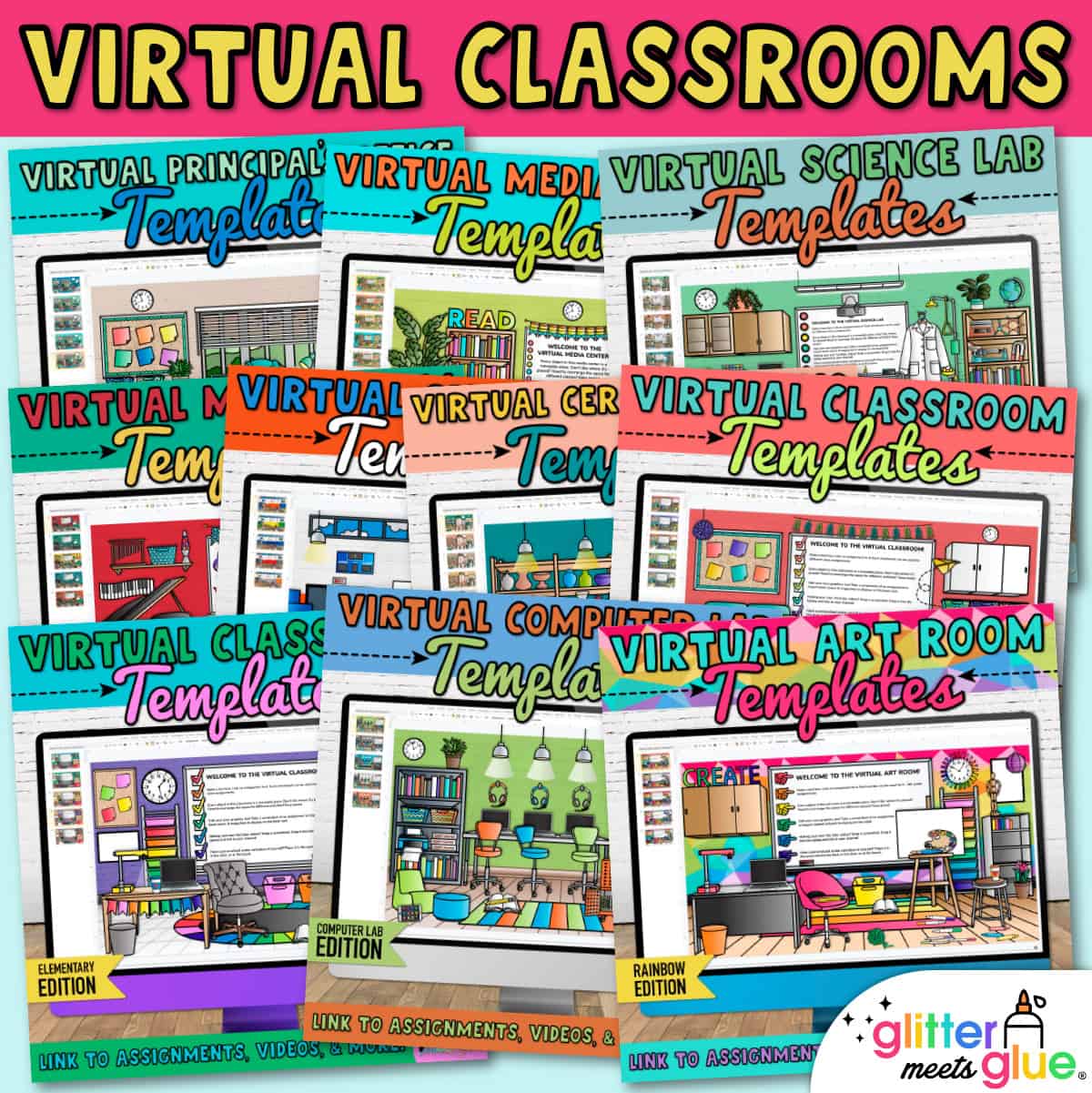
Virtual Classroom Templates for Elementary Teachers
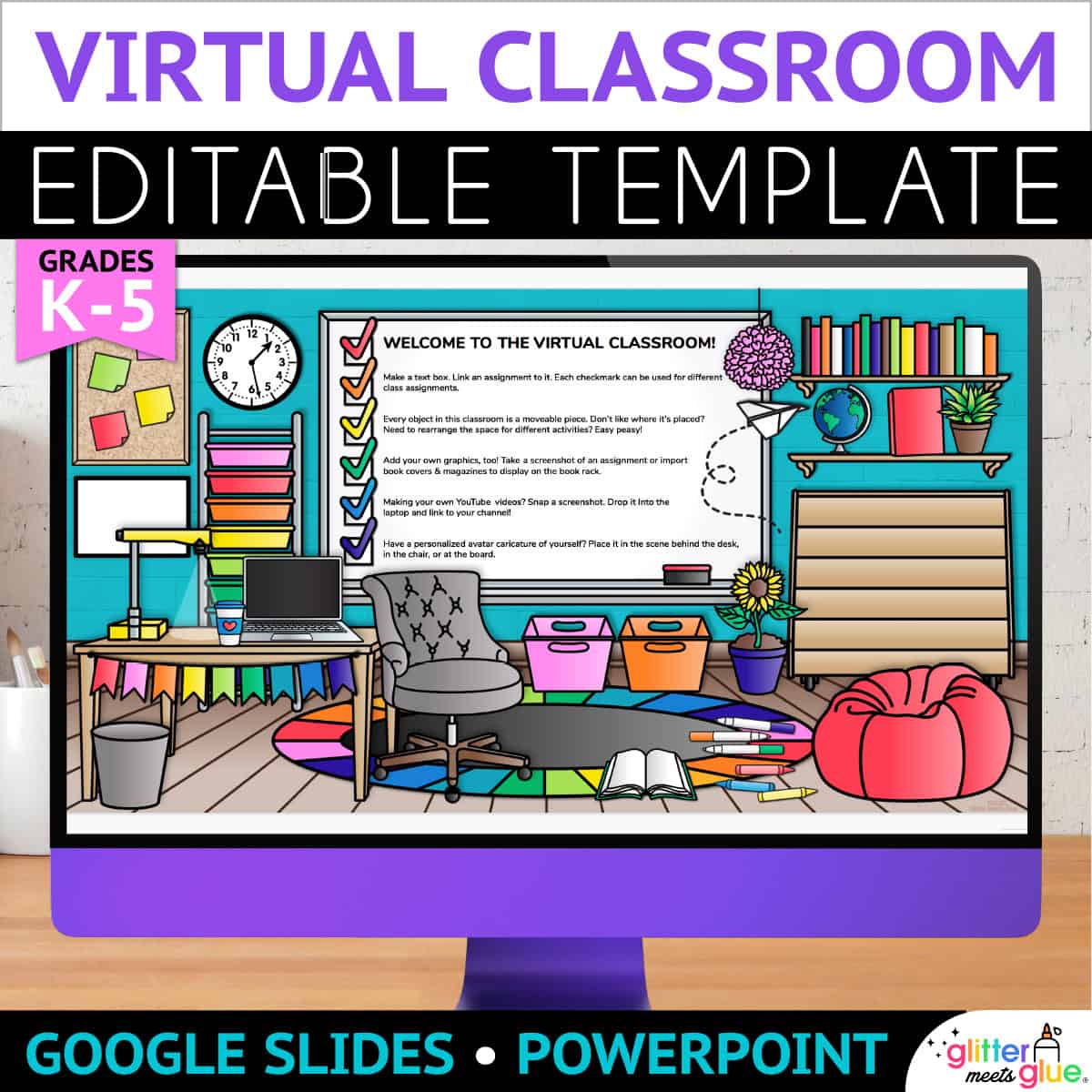
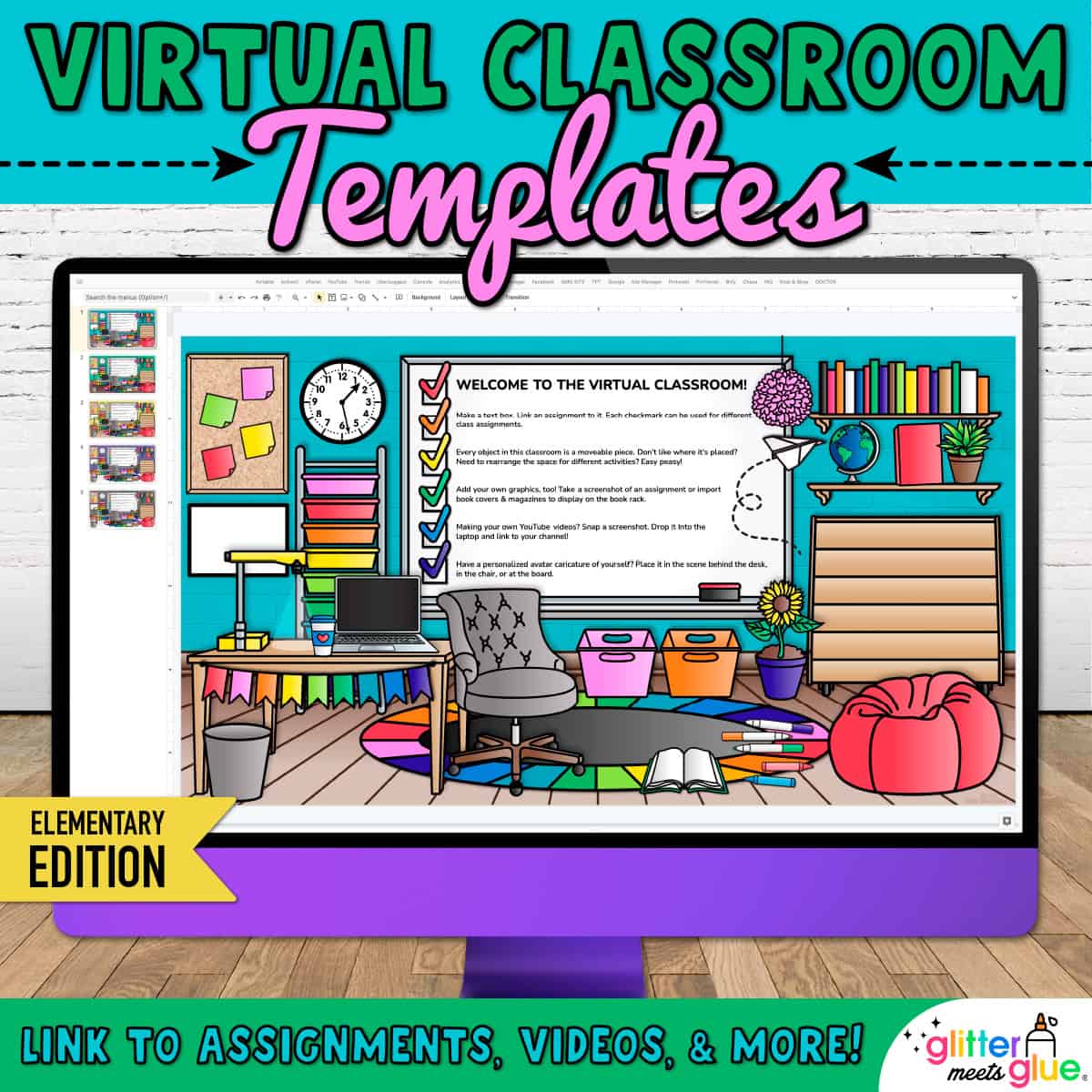
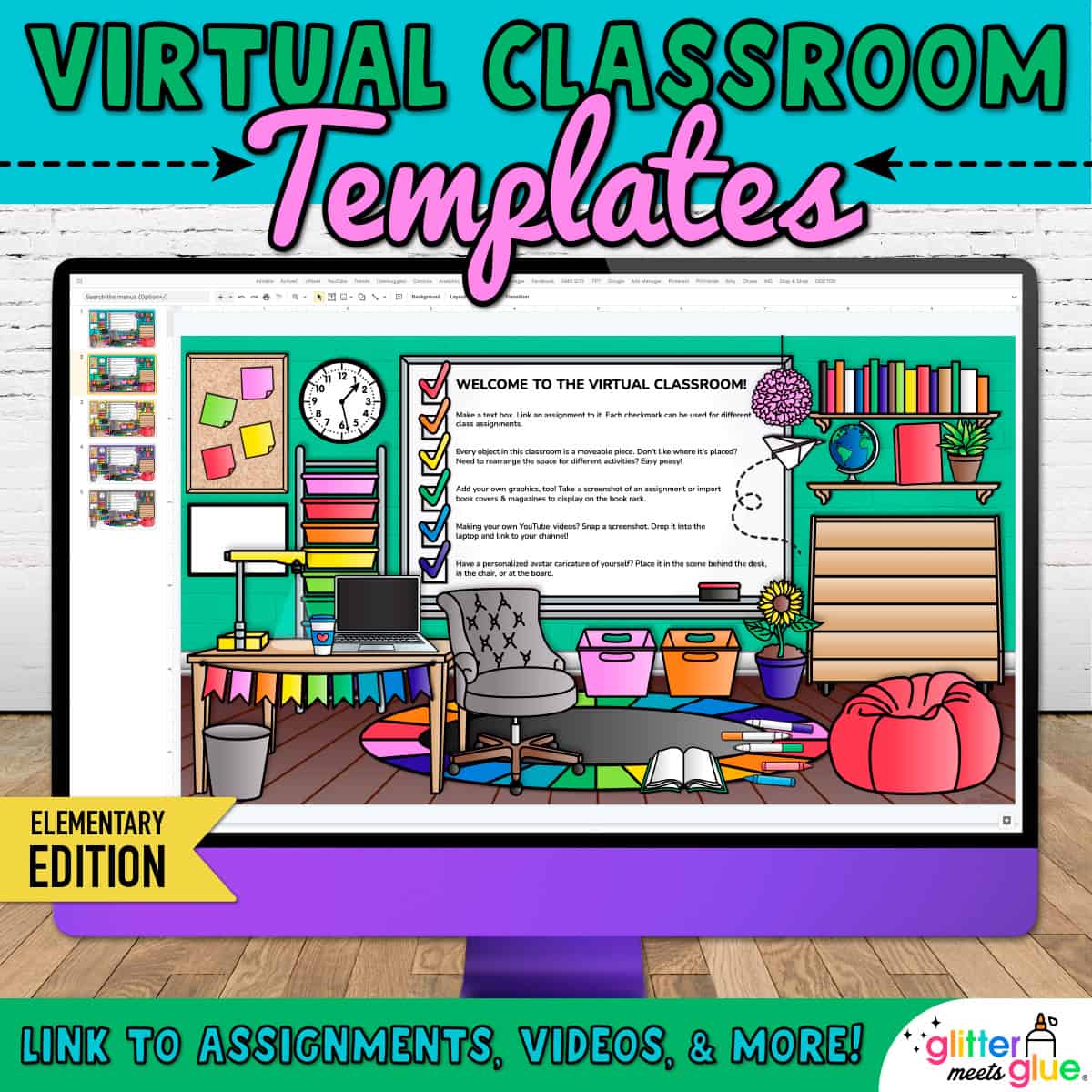
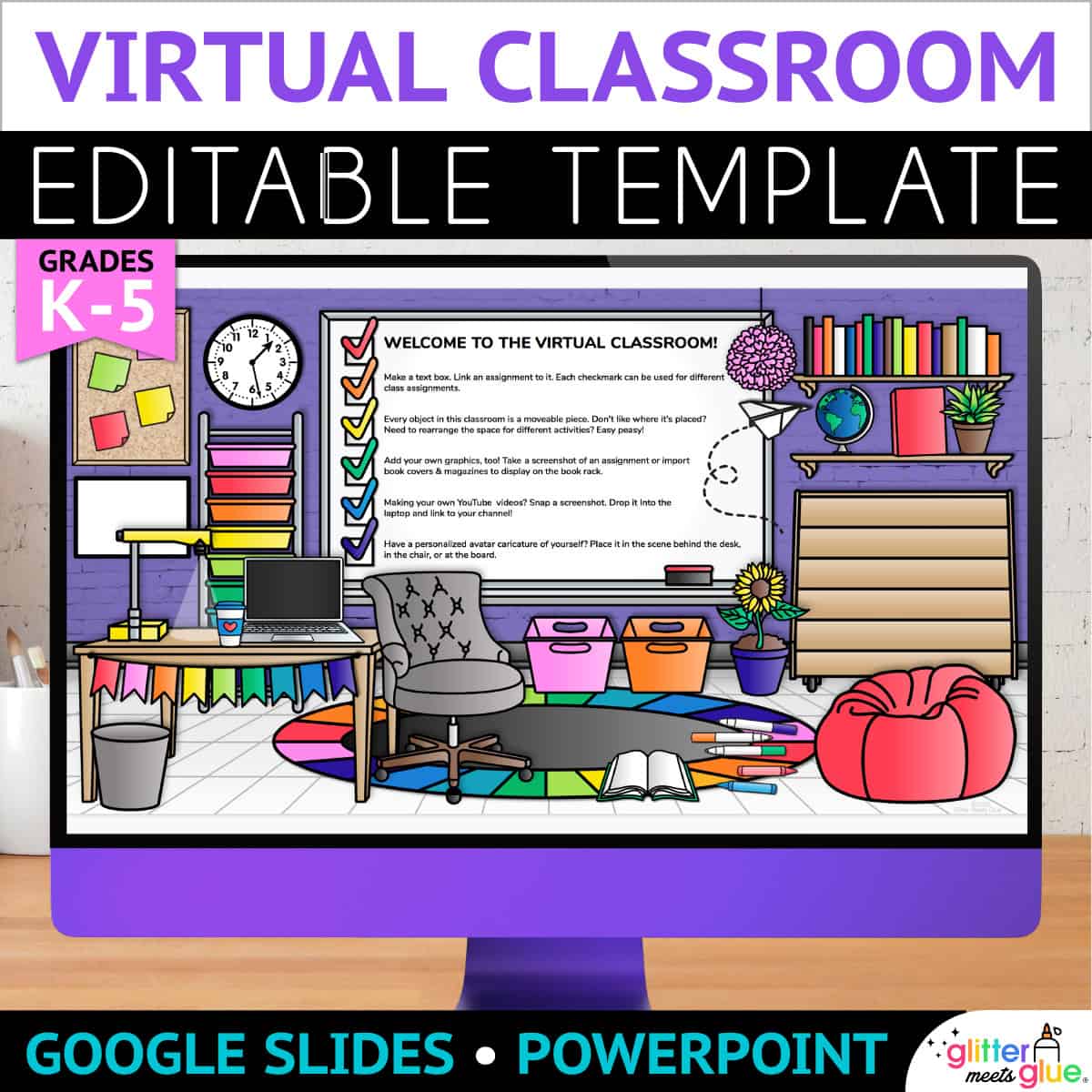
Engage your elementary students using my Bitmoji® virtual classroom on Google Slides™! Use these backgrounds to organize your digital resources. Then, assign the virtual classroom templates to elementary kids via Google Classroom™. All the moveable pieces in this virtual classroom match and coordinate.
These background templates include everything to make your virtual classroom look real. Arrange the desk, rug, beanbag chair, and whiteboard. And even small objects like the sticky notes, coffee mug, and markers.
Customizing Your Virtual Bitmoji Classroom
Additionally, you’ll use Google Slides to edit the virtual backgrounds. But you can download them as a PowerPoint to customize them. Then, you can share them to your Google Classroom, Canvas, Microsoft Teams, or SeeSaw account.
Need to design a digital classroom quickly? These virtual classroom templates make it quick and easy. Simply arrange your space, add text, and add links to your digital resources. That’s it!
Get ready to make your curriculum more accessible and aligned to 21st century online teaching!
How to Create a Bitmoji Virtual Classroom for Elementary Kids With My Template
- All of the graphics are moveable, so you can customize your digital classroom as you see fit!
- Organize your digital learning materials for every subject using a different virtual classroom for each.
- Link to assignments using images and text.
- Have a Bitmoji? Use the Chrome extension to locate your personalized Bitmoji character, drag it to your desktop, and add it to the Google Slides template.
- Import pictures of your class pet or mascot. Make them talk to your class!
- Personalize your virtual classroom with images from your real life room.
Teacher Directions
This digital resource includes directions on how to access the virtual classroom templates. The step by step directions demonstrates:
- Adding images
- Adding video screenshots
- Adding text boxes
- Working with moveable pieces
- Linking to URLs
- Publishing the virtual classroom
I think it’s important that you understand how to use some of the basics of Google Slides so you can be successful.
You Will Receive
- 1 Non-Editable PDF
- Google Drive Access Link
Why You’ll Love It
⭐️⭐️⭐️⭐️⭐️
Thanks for creating this wonderful resource! It was a wonderful way for me to get my feet wet into the bitmoji and virtual classroom world. The steps are super easy to follow and support was super helpful when I needed it. 🙂
⭐️⭐️⭐️⭐️⭐️
During online learning this helped my students’ parents stay organized and know what was expected! I had LOTS of compliments on using! EXTREMELY helpful!
⭐️⭐️⭐️⭐️⭐️
I LOVED this template for my Canvas page! It was so easy to work with, and there where so many cute items you could add into your virtual classroom to make it look like home! Thank you!!!
Terms of Use
Please refer to my complete terms of use prior to purchasing.
Loved this resource! So easy to use and so engaging!
These templates are a must when creating google slides. Great resource!
This was a great resource to use with my first graders! Thank you for the quality product!
Worked great as a hub for virtual learning – students were quickly able to find links and resources.
Super cute! Used these slides to help guide my day. Easy to link videos and other necessary teaching materials because it is compatible with Google Slides. This resource really came in handy as I taught virtually.