


Digital Pumpkin Art Project
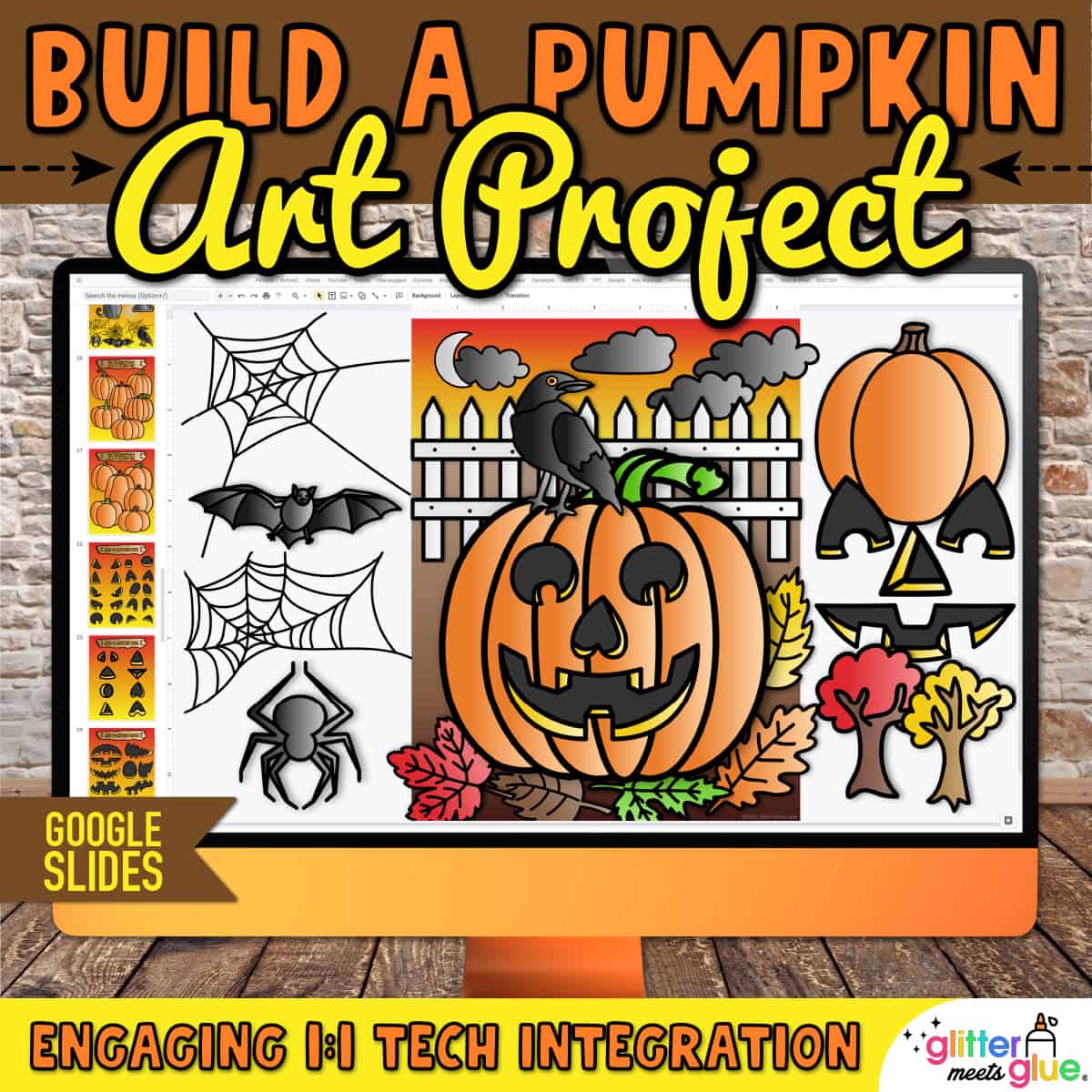
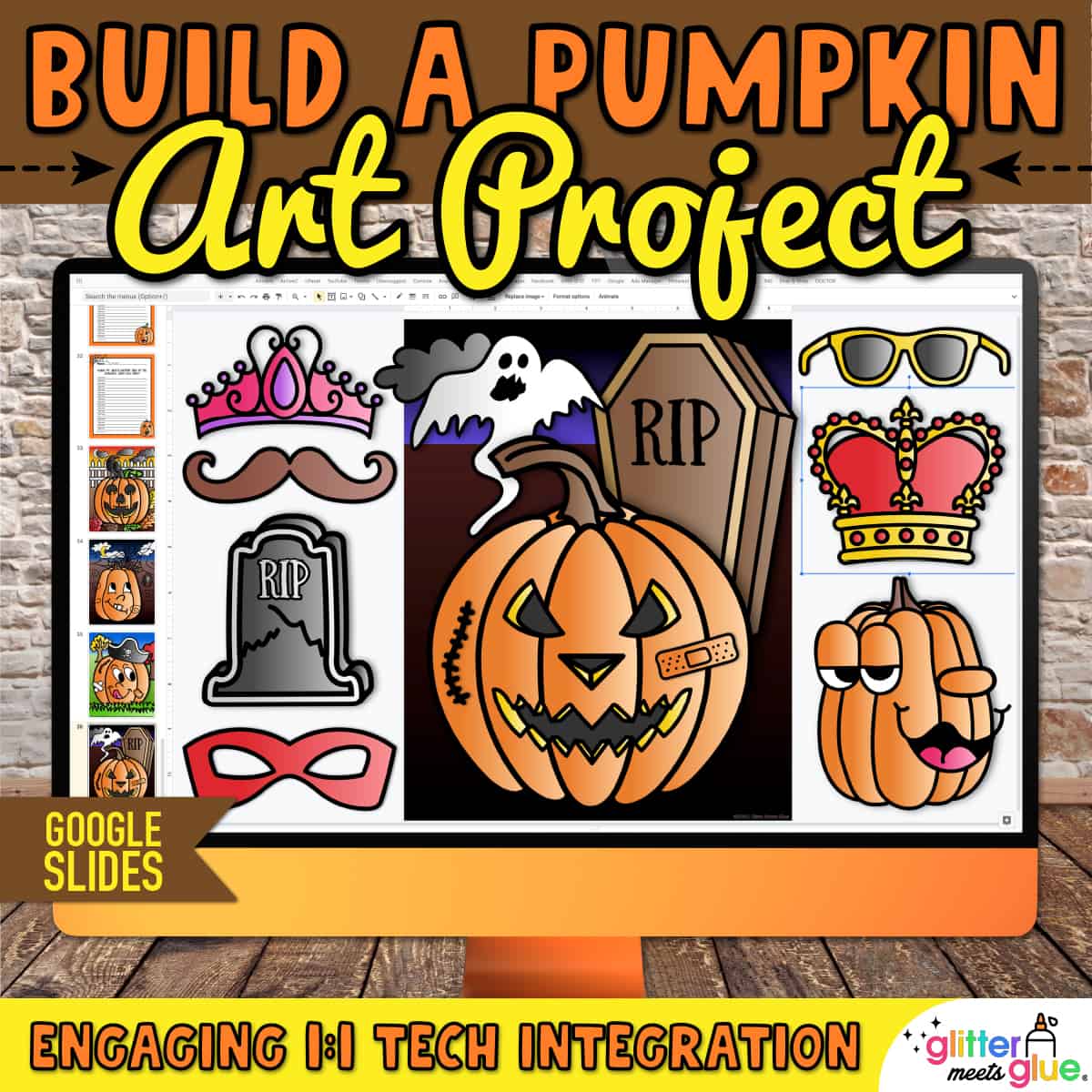
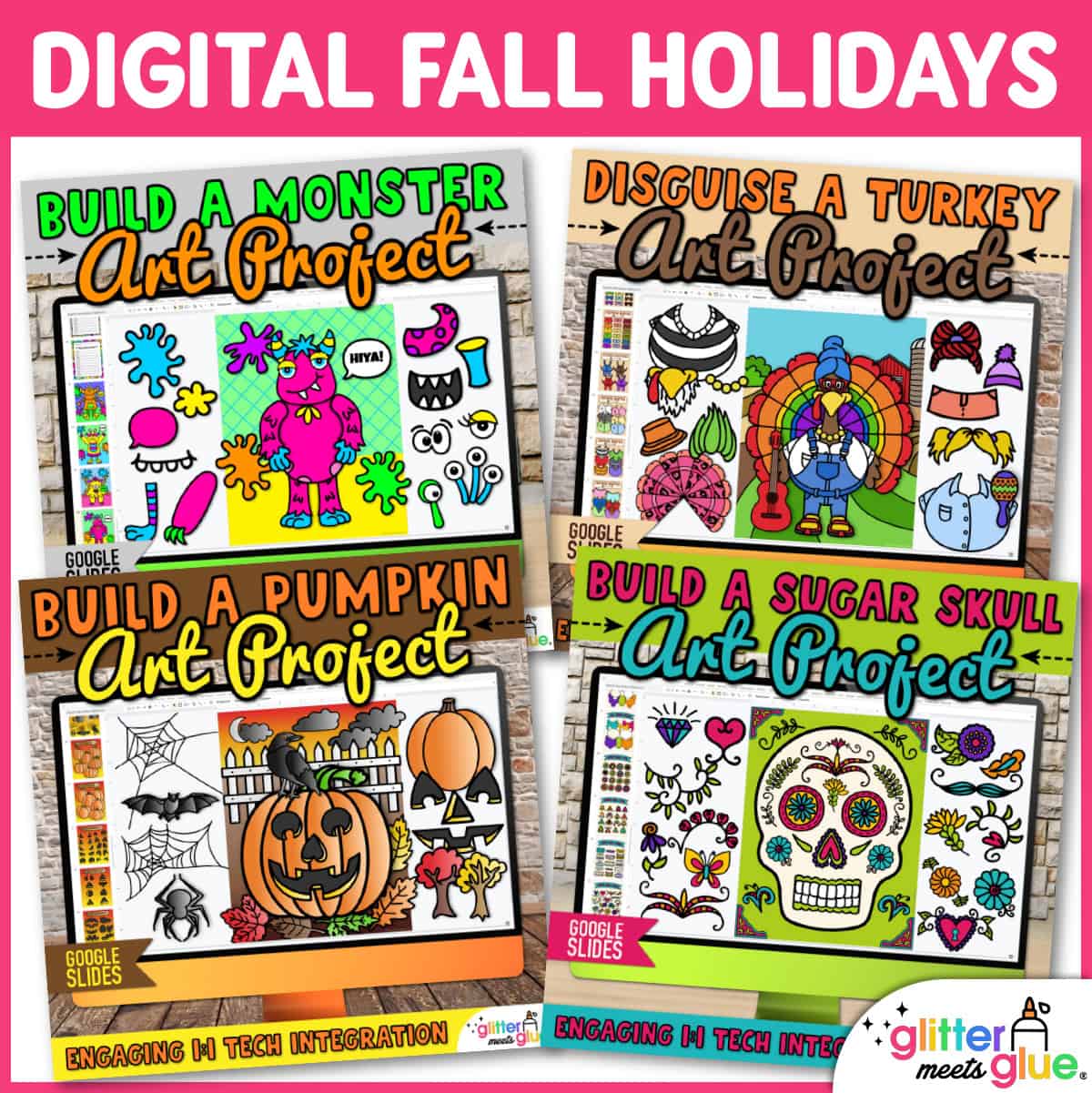
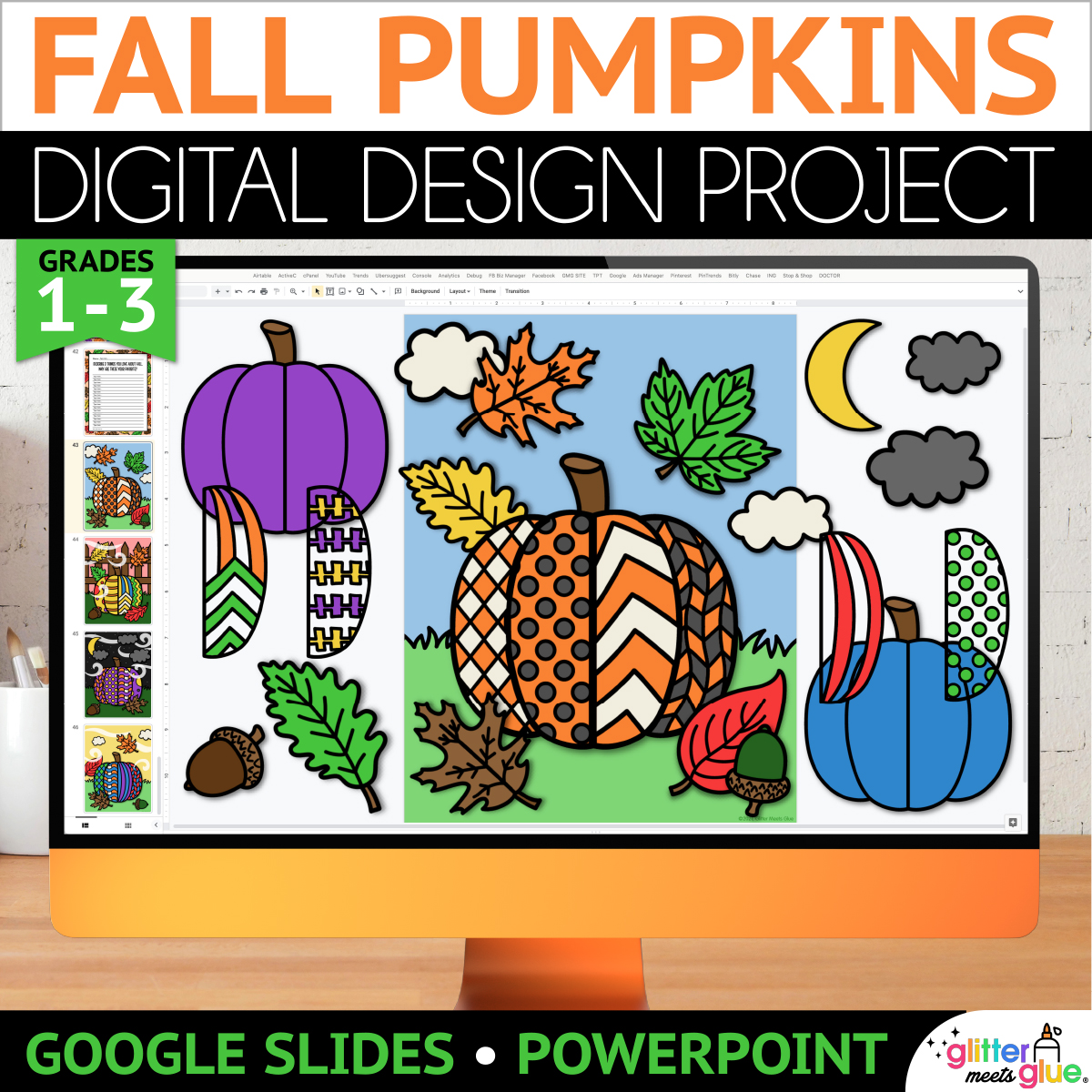
No prep sub plans for elementary are easy with my engaging, digital art project to build a pumpkin on Google Slides™. Students will practice technology skills with my digital Halloween pumpkin template and step by step art lesson. Then, pick a writing prompt to draft a creative story about their pumpkin craft.
Need fun, fast finisher activities for 2nd, 3rd, 4th, and 5th graders? Digital art projects are paperless, take up no space, and don’t use art materials. Simply assign the pumpkin project using your LMS, and stop worrying about early finishers!
Digital Pumpkin Templates
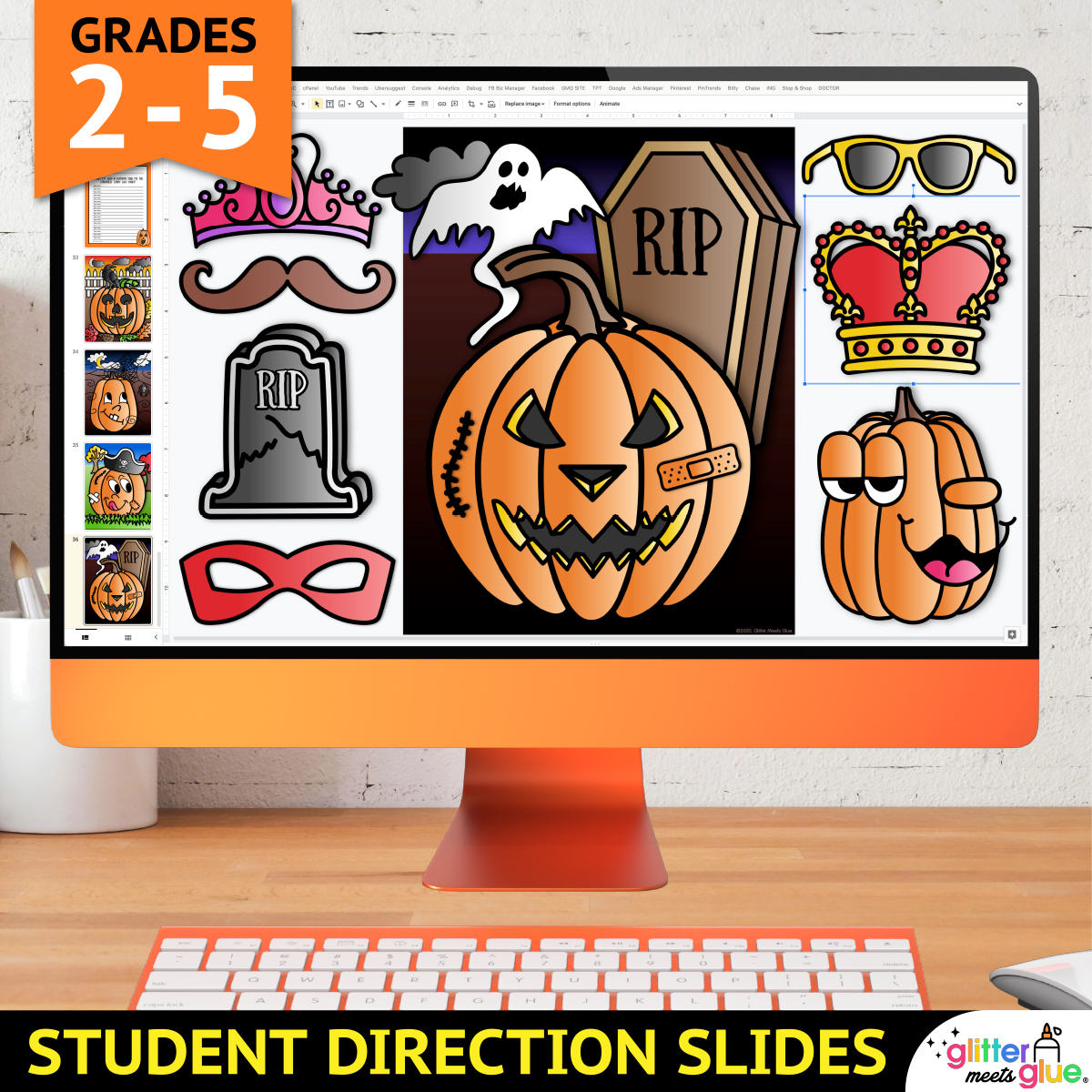
This Google Slides pumpkin activity includes tech tips and step by step directions with pictures for independent learning. And, kids can build a pumpkin using either copy & paste or drag & drop.
Overview of Creating a Digital Pumpkin
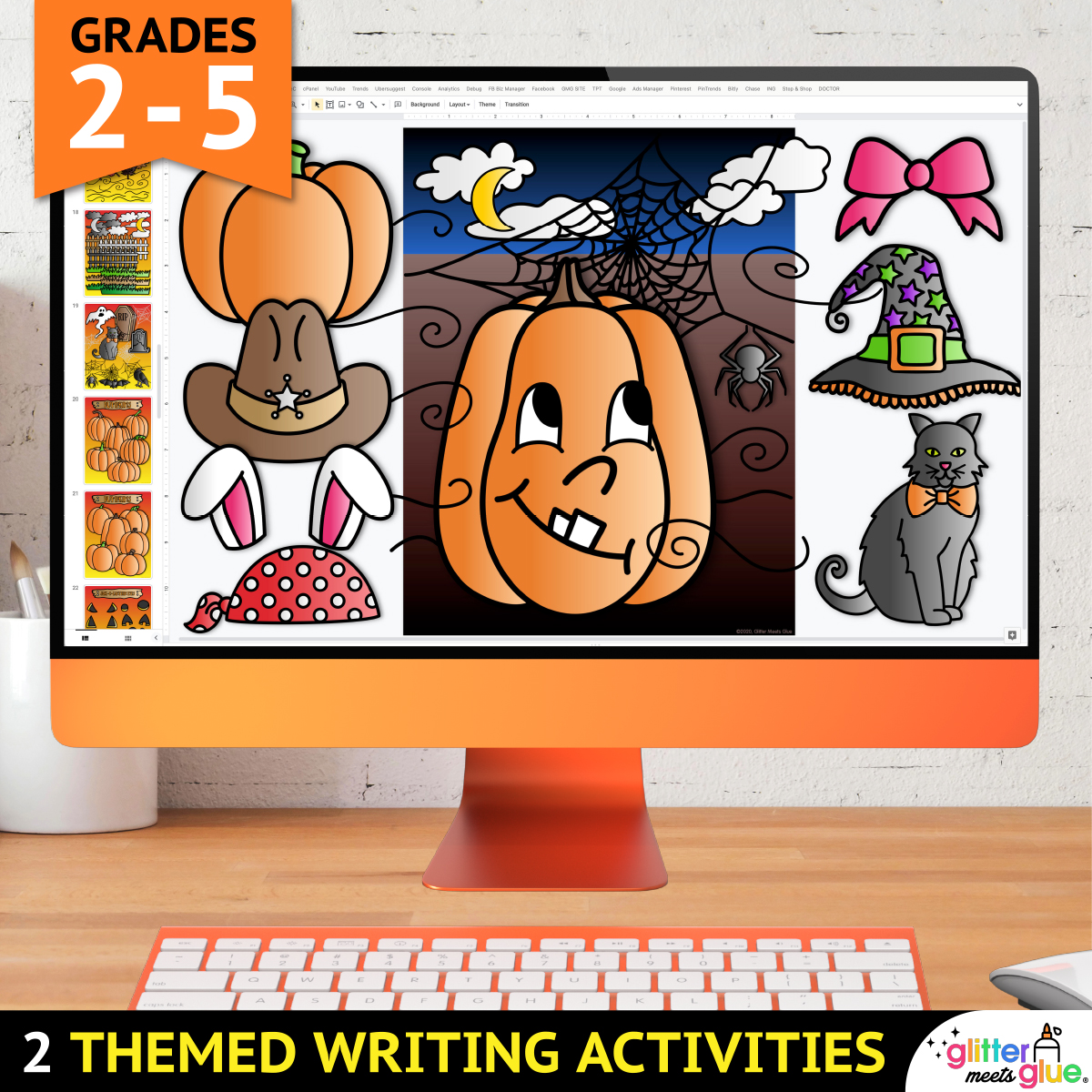
First, your students will pick a background. Then, they’ll add trees, leaves, clouds, and other moveable images. Next, kids will paste (or drag) a Halloween pumpkin and resize it. Lastly, they’ll add eyes, a nose, a mouth, and costume props. They can dress up their pumpkin as a queen, pirate, chef, nurse, etc.
This digital art activity is a great for teaching background, middle ground, and foreground. Working in layers like this creates a sense of depth. So you can use this art lesson to reinforce the concept of shapes vs. forms, too!
Technology Skills
- Copy & paste
- Drag & drop
- Rotating
- Ordering
- Resizing
What’s Included
- 9 Student Direction Slides, with step by step tutorial so kids can create their digital pumpkin project independently
- Digital Moveable Pieces, so kids can either copy and paste or drag and drop to create their pumpkin or jack-‘o’-lantern from the templates
- 7 Background Slides, where students will paste or drag their project pieces onto
- 2 Halloween Writing Prompts, for kids to complete after making their pumpkin
- 4 Teacher Examples, fully completed, which you can use to demonstrate
You Will Receive
- 1 Non-Editable PDF (with access link & teacher directions)
- 1 Google Slides Doc (Digital Pumpkin Art Project & Writing Prompts)
Why You’ll Love It
⭐️⭐️⭐️⭐️⭐️
My students loved creating their Halloween pictures and jack-o-lanterns digitally. It was a very engaging activity that I’ll be using every year!
⭐️⭐️⭐️⭐️⭐️
My students love these digital art and writing activities!
⭐️⭐️⭐️⭐️⭐️
My students loved the endless opportunities to create and design a pumpkin. Great resource. Thanks.
Terms of Use
Please refer to my complete terms of use prior to purchasing.
My students love this activity when they come to computer lab! It’s one of their favorite things to do!
Great resource. I will order from the seller again!
This was an assest for virtual learning. Colorful, easy to edit and my students loved it!
This is a great resource. Thanks very much!
My students love these digital art and writing activities!