


Digital Disguise a Turkey Art Project
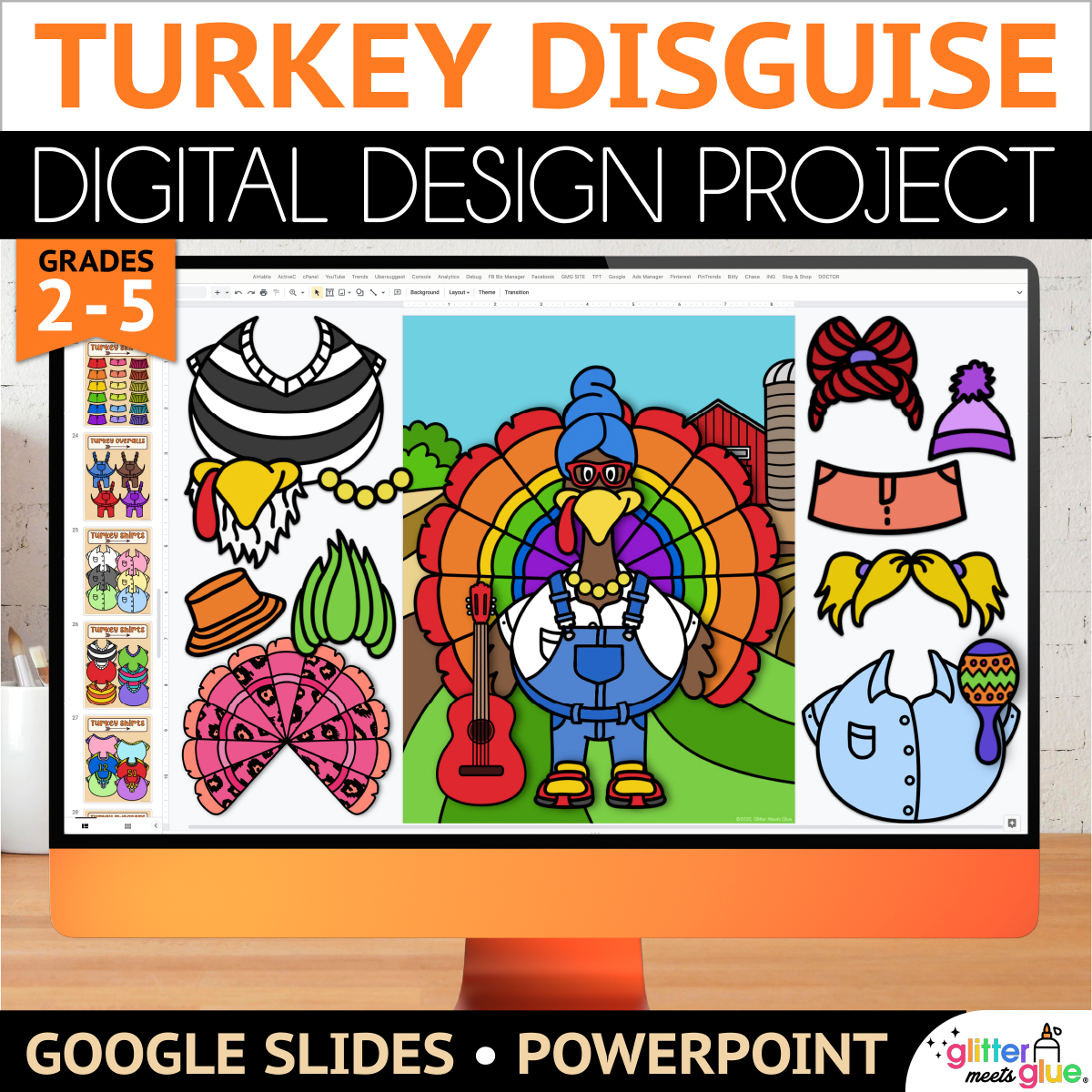
No prep sub plans for elementary are easy with my engaging, digital art project to disguise a turkey on Google Slides™. Students will practice technology skills with my digital turkey in disguise template and step by step art lesson. Then, pick a writing prompt to draft a creative story about their turkey craft.
Need fun, fast finisher activities for 2nd, 3rd, 4th, and 5th graders? Digital art projects are paperless, take up no space, and don’t use art materials. Simply assign the turkey project using your LMS, and stop worrying about early finishers!
Digital Turkey in Disguise Templates
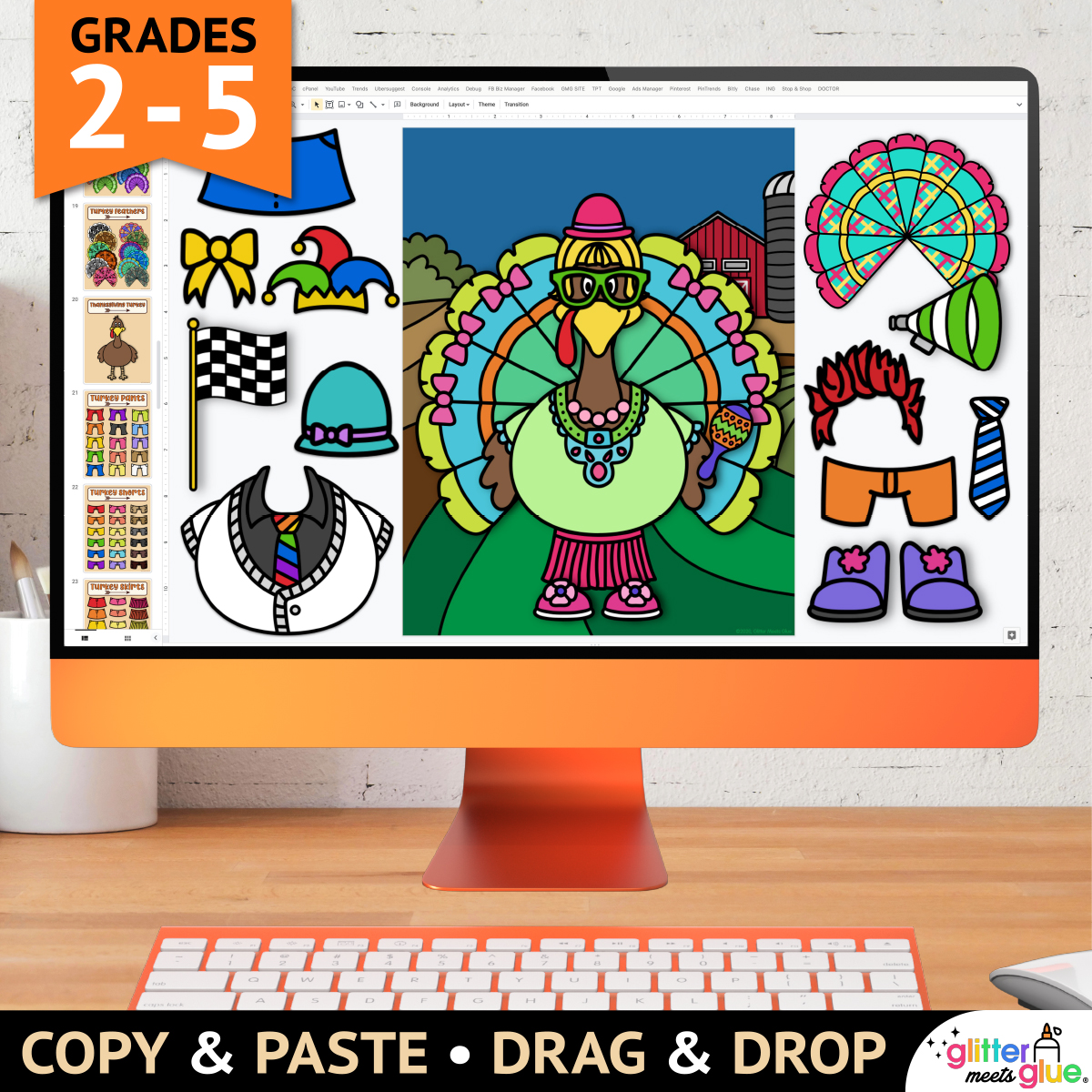
This Google Slides fall activity includes tech tips and step by step directions with pictures for independent learning. And, kids can build a turkey using either copy & paste or drag & drop.
Overview of How to Disguise a Turkey Project
First, your students will pick a background. Then, they’ll add a turkey, feathers clothes, and accessories like silly wigs, hats, a football, surfboard, and even a game controller.
This digital art activity is a great for teaching background, foreground, and overlapping. Additionally, it pairs well with the book, Turkey Trouble.
Technology Skills
- Copy & paste
- Drag & drop
- Rotating
- Ordering
- Resizing
What’s Included
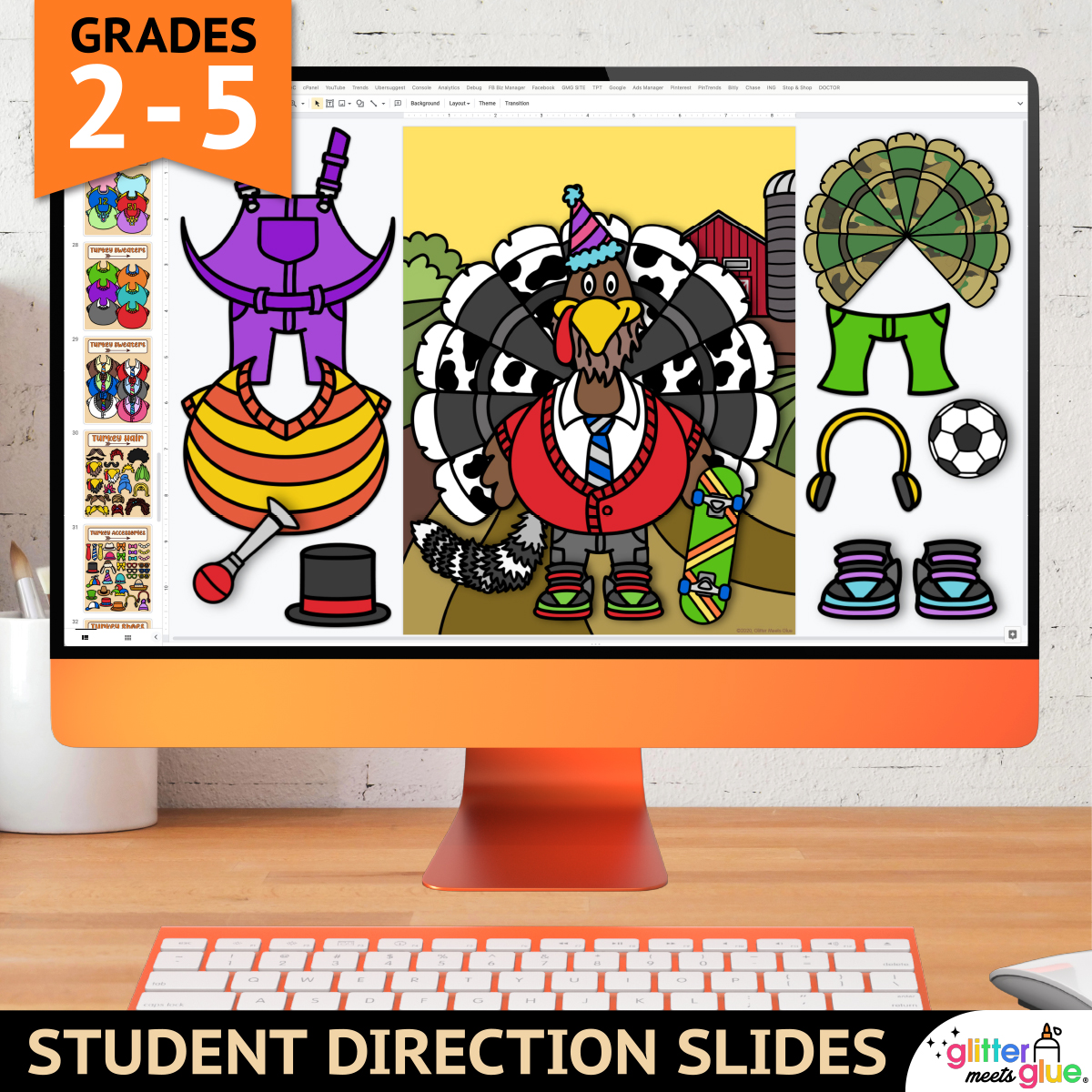
- 10 Student Direction Slides, with step by step tutorial so kids can create their digital Thanksgiving turkey project independently
- Digital Moveable Pieces, so kids can either copy and paste or drag and drop to create their turkey in disguise from the templates
- 7 Background Slides, where students will paste or drag their project pieces onto
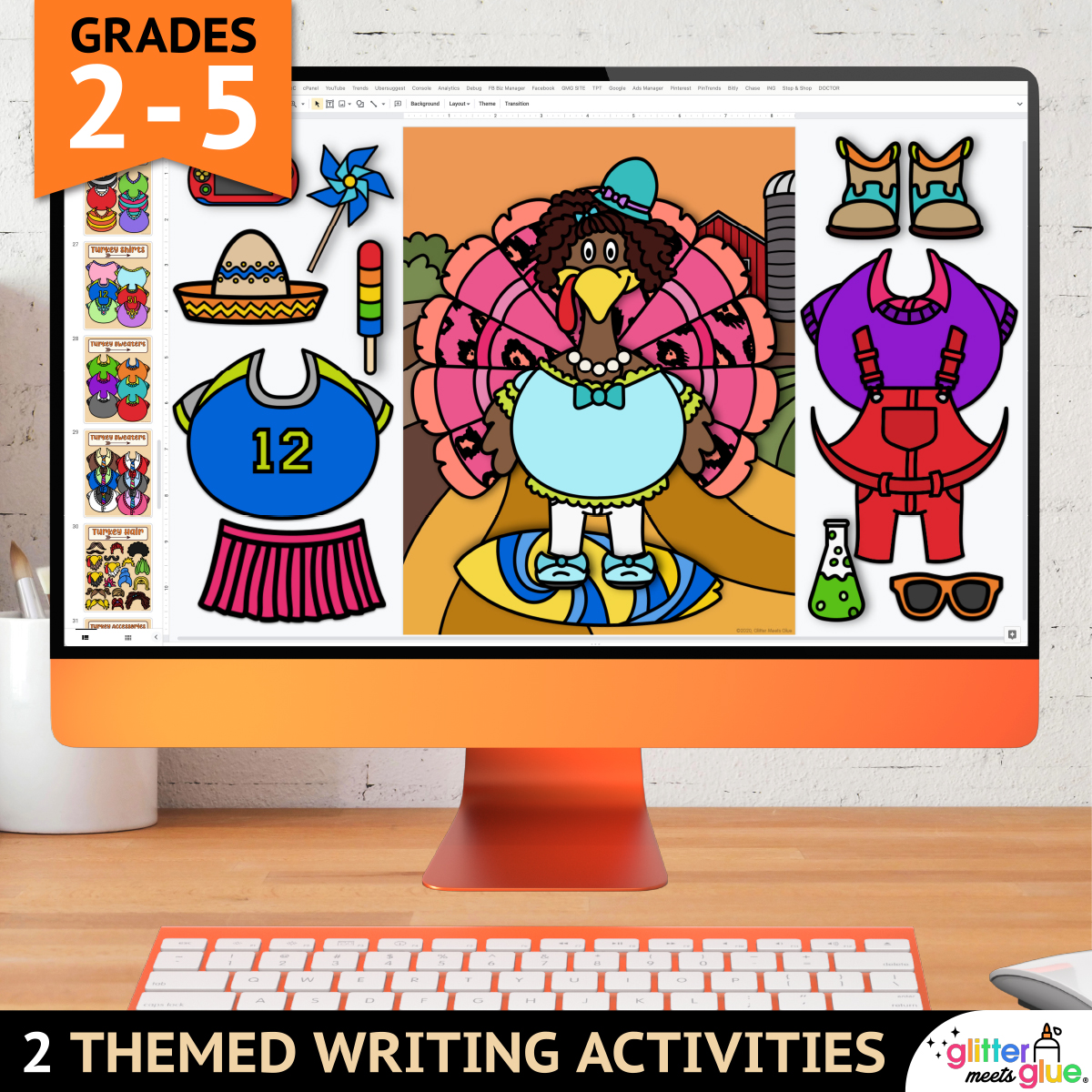
- 2 Thanksgiving Writing Prompts, for kids to complete after making their turkey
- 4 Teacher Examples, fully completed, which you can use to demonstrate
You Will Receive
- 1 Non-Editable PDF (with access link & teacher directions)
- 1 Google Slides Doc (Digital Disguise a Turkey Art Project & Writing Prompts)
Why You’ll Love It
⭐️⭐️⭐️⭐️⭐️
My students and I got a GREAT amount of enjoyment doing these. It was also really great practice for them copying and pasting from one slide to another- computer literacy skills
⭐️⭐️⭐️⭐️⭐️
This was a great alternative to my usual disguise a turkey project I do while we were distance learning! I was able to take each of their turkeys and put them into a powerpoint so we could look at them all and they loved sharing about why they used the different objects with their turkey.
⭐️⭐️⭐️⭐️⭐️
My students and I got a GREAT amount of enjoyment doing these. It was also really great practice for them copying and pasting from one slide to another- computer literacy skills.
Terms of Use
Please refer to my complete terms of use prior to purchasing.

Very easy to use great resource! Students really enjoyed the lesson.
Instead of having parents do the craft for the students. This allowed them to create their own costumes without needing craft supplies. I loved reading my students’ stories that they wrote about their turkeys’ disguises.
IÕve really enjoyed using these educational materials with my students. They are engaging, easy to follow, and keep students actively involved in learning. The activities support a variety of learning styles and make it simple to differentiate for different student needs. The structure saves planning time while still allowing flexibility, which is a huge plus. These materials have made a positive impact on student confidence and progress.
This was a great resource for celebrating Thanksgiving with my students and bringing some festive fun into the classroom. It was engaging, easy to use, and helped create a warm, cheerful learning atmosphere.
My kids LOVED this project! It was a good time for computer skills and they got to print it off.