


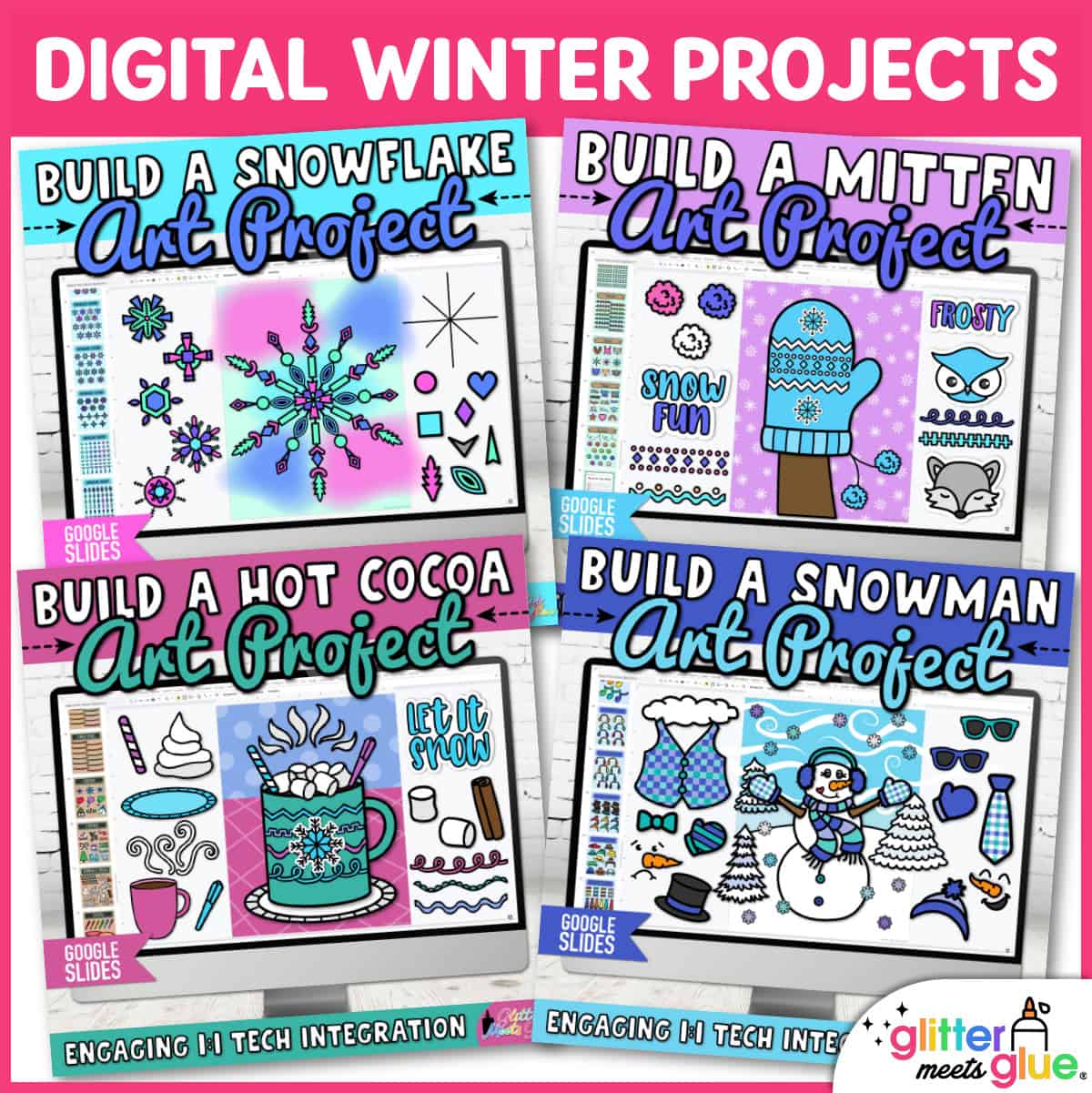
Digital Snowflake Art Project
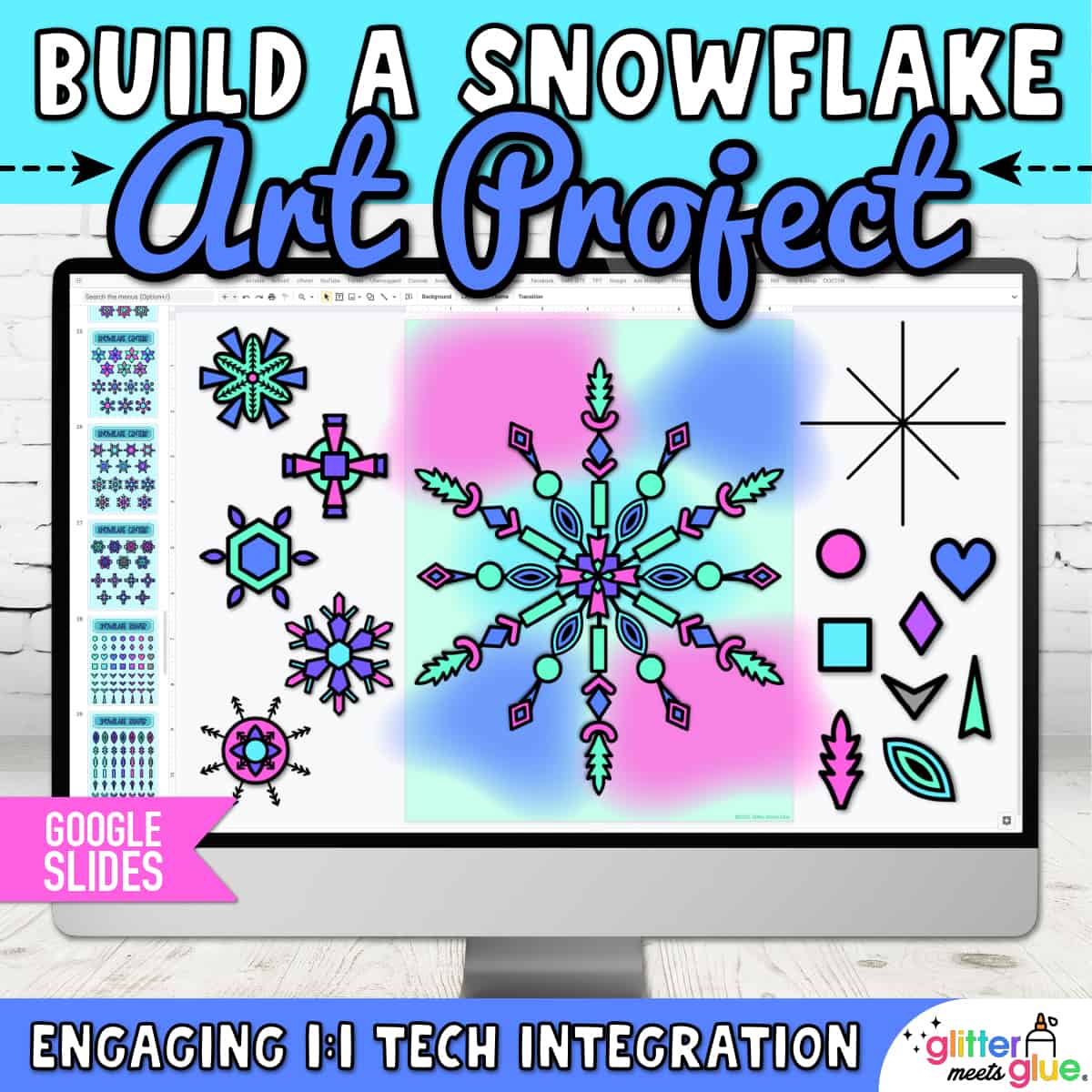
My no prep, digital art project for elementary kids to build a snowflake on Google Slides™ is easy and engaging. Students will practice technology skills using my digital winter snowflake resource and step by step art lesson. Then, pick a winter writing prompt to draft a creative story about their snowflake project.
Need fun, fast finisher activities for 3rd, 4th, and 5th graders? Digital art projects are paperless, take up no space, and don’t use art materials. Simply assign the snowflake activity using your LMS, and stop worrying about early finishers!
Digital Snowflake Templates
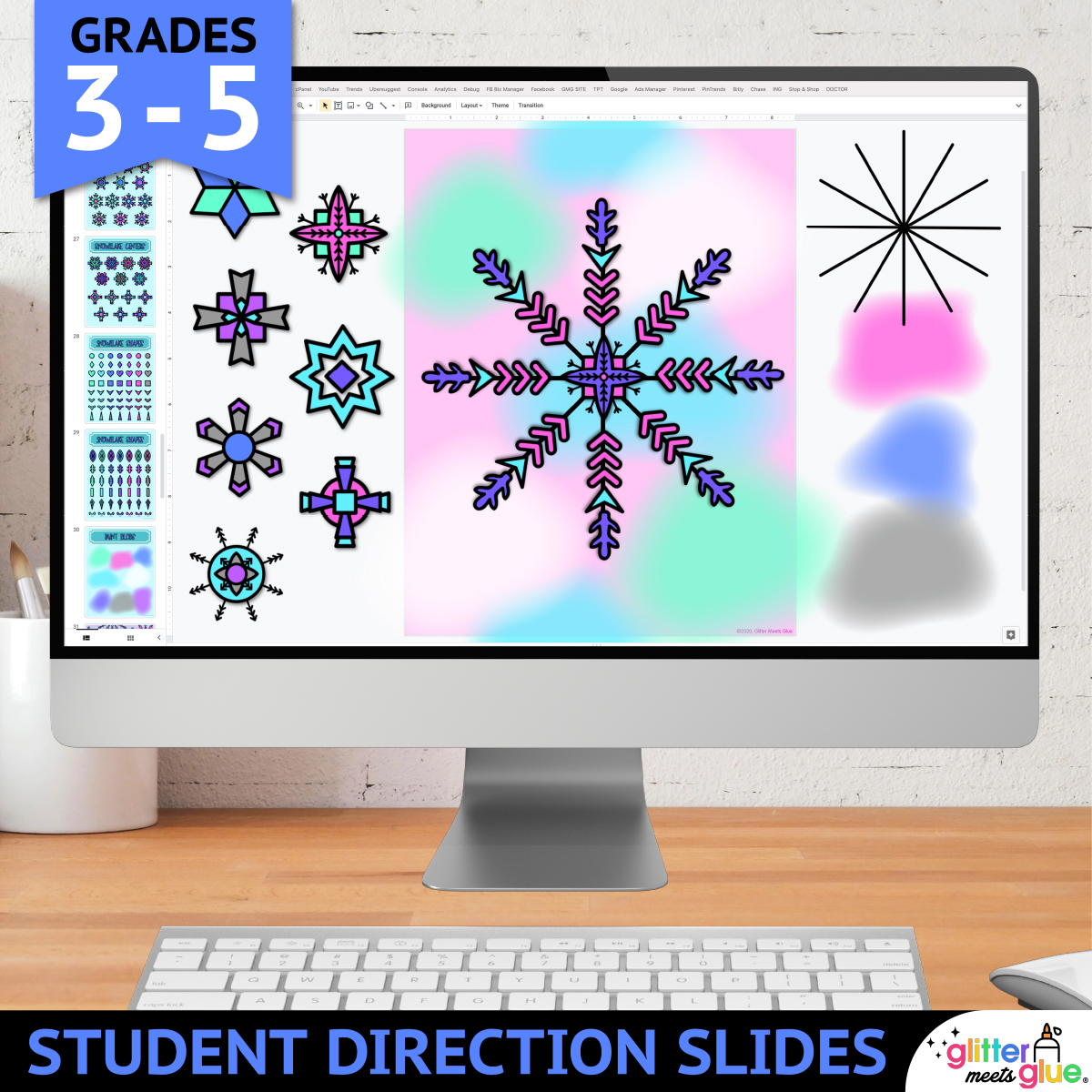
This Google Slides winter activity includes tech tips and step by step directions with pictures for independent learning. And, kids can build a snowflake using either copy & paste or drag & drop
Overview of How to Make a Snowflake Craft
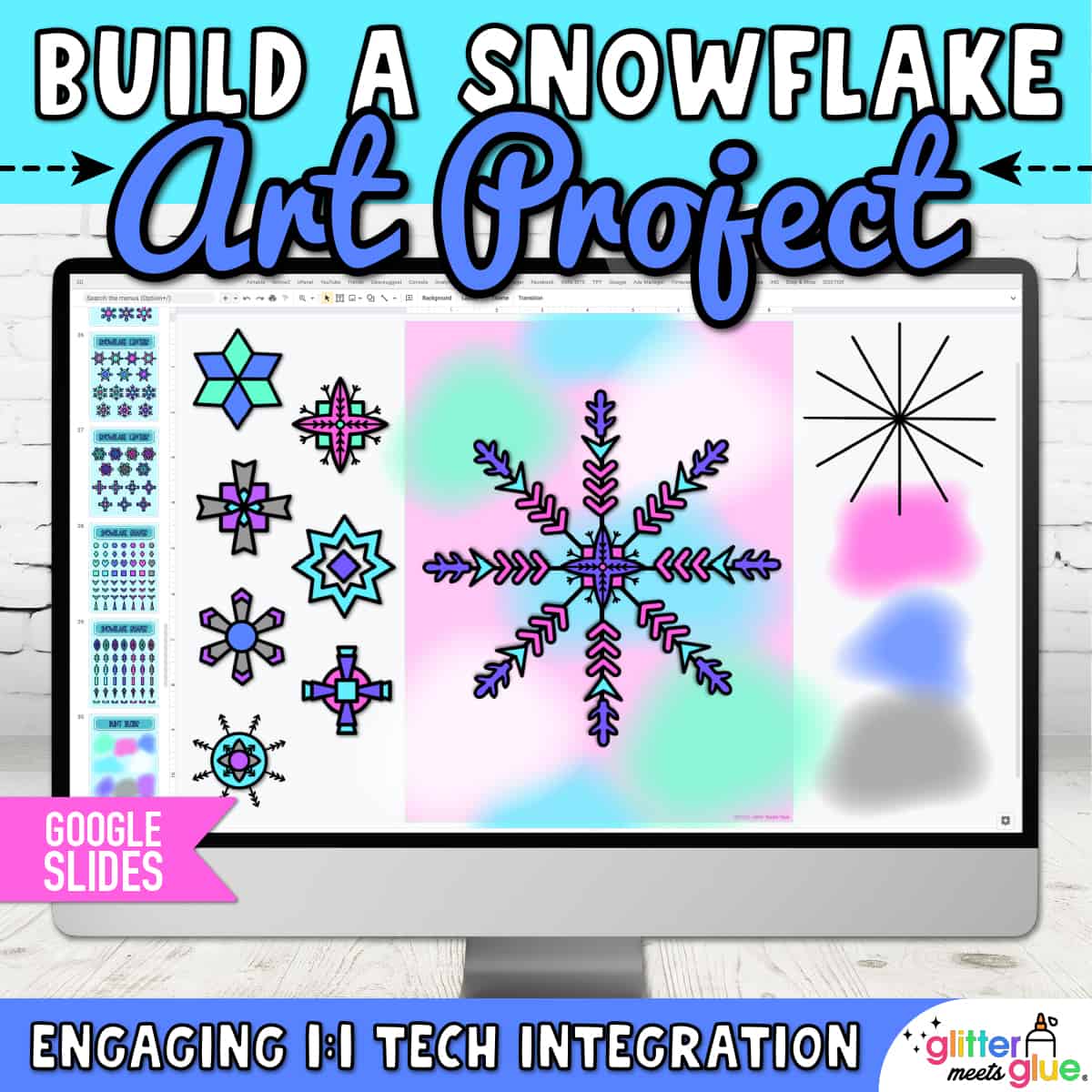
First, your students will pick a background. Then, they’ll add a snowflake and center design. Then they’ll add various shapes to design one “leg” of the snowflake. Once completed, they’ll group all the shapes, copy, paste, and rotate them to fit the remaining “legs.” Lastly, they’ll add a few paint blobs to the background.
Technology Skills
- Copy & paste
- Drag & drop
- Rotating
- Ordering
- Resizing
- Grouping
What’s Included
- 13 Student Direction Slides, with step by step tutorial so kids can create their digital snowflake project independently
- Digital Moveable Pieces, so kids can either copy and paste or drag and drop to create their snowflake from the templates
- 7 Background Slides, where students will paste or drag their project pieces onto
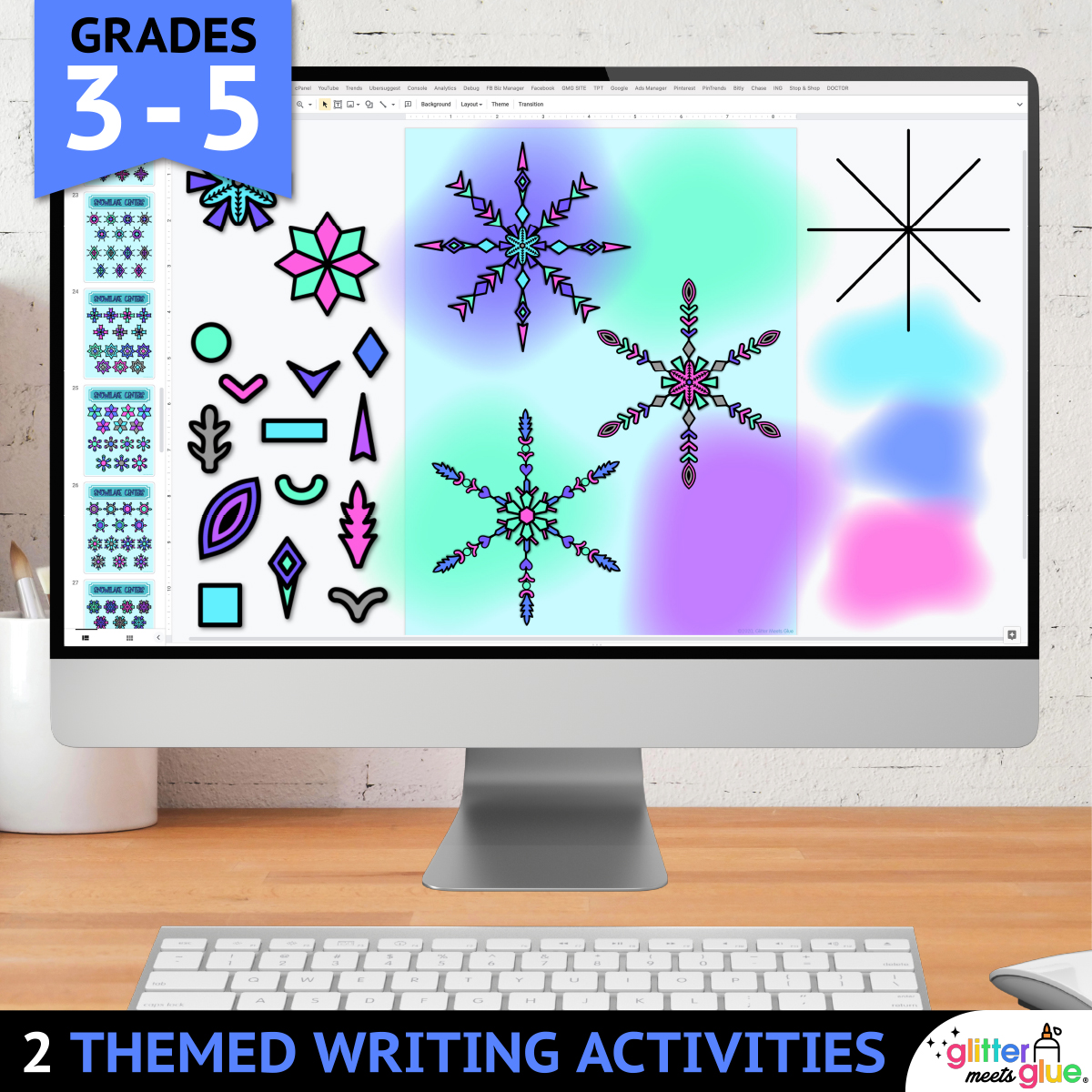
- 2 Winter Writing Prompts, for kids to complete after making their snowflake
- 4 Teacher Examples, fully completed, which you can use to demonstrate
You Will Receive
- 1 Non-Editable PDF (with access link & teacher directions)
- 1 Google Slides Doc (Digital Snowflake Project & Writing Prompts)
Why You’ll Love My Digital Snowflake Craft
⭐️⭐️⭐️⭐️⭐️
My students loved creating digital snowflakes using Google Slides! We read the story, Snowflake Bentley, and they learned some tips on how to build their own online.
⭐️⭐️⭐️⭐️⭐️
My students loved using technology to create their snowflakes! They turned out wonderful and many students saved their work as an image and used it as the wallpaper on their devices.
⭐️⭐️⭐️⭐️⭐️
I am blown away- this is a gorgeous resource and my students were completely engaged and inspired creating their own snowflakes to accompany some winter writing we did. Thank you for the amazing product.
Terms of Use
Please refer to my complete terms of use prior to purchasing.
Super fun resource. My student loved creating their bunnies and it also gave them great practice with using Google Slides
This is an effective, no prep resource that the kids enjoyed.
This challenged my students to use their digital skills. Students gained more knowledge and practical use with their skills..
My students loved creating digital snowflakes using Google Slides! We read the story, Snowflake Bentley, and they learned some tips on how to build their own online. Some parts were tricky for kids (like the grouping feature), but as they used it more they became more comfortable with their new skills. This is a great resource for showing how to arrange images to the back of the Slide. Thank you for this extremely in-depth lesson!
This resource was great, and it engaged my students in class.